
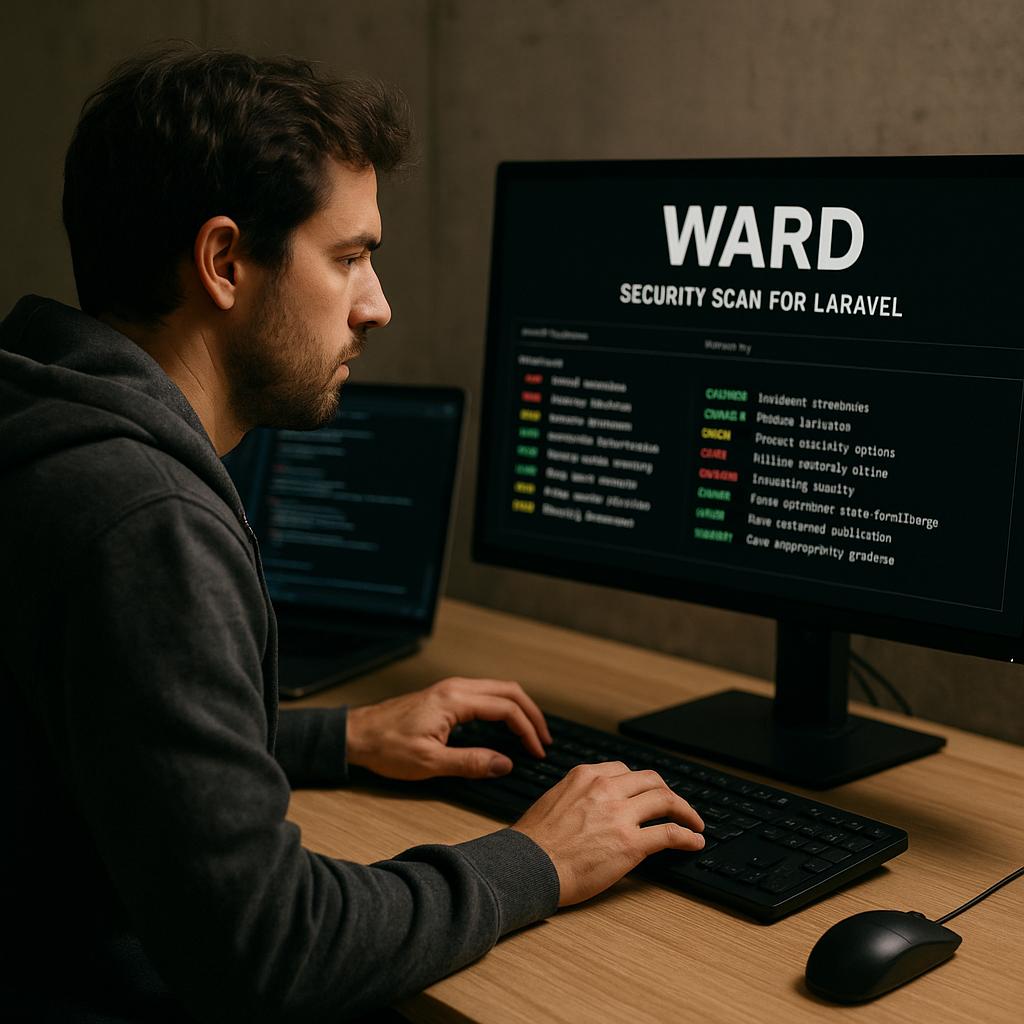
Ward: A Security Scanner for Laravel
- Implement Ward to enhance the security posture of Laravel applications.
- Utilize targeted checks to identify vulnerabilities in your codebase effectively.
- Integrate Ward into CI/CD pipelines to automate security scans during deployments.
- Leverage custom rules to tailor the scanner to your specific application needs.
In the ever-evolving landscape of web development, security remains a paramount concern, especially for applications built on frameworks like Laravel. Ward, a command-line security scanner specifically designed for Laravel, offers developers a robust solution to identify and remediate vulnerabilities within their applications. This article explores how Ward operates, its installation process, and practical implementation strategies to bolster application security.
Understanding the importance of security in Laravel applications is crucial, as vulnerabilities can lead to data breaches, loss of user trust, and significant financial repercussions. By leveraging Ward, developers can proactively scan their applications, ensuring that security best practices are followed and that vulnerabilities are addressed before they can be exploited.
Continue Reading
What is Ward?
Ward is a command-line security scanner created by El Jakani Yassine, specifically tailored for Laravel projects. Unlike generic security tools that rely on pattern matching, Ward parses the structure of Laravel applications, including routes, models, controllers, middleware, Blade templates, configuration files, environment variables, and dependencies. This contextual understanding allows Ward to execute targeted checks that are more effective in identifying vulnerabilities.
Installation of Ward
To get started with Ward, ensure that you have Go installed on your system. You can install Ward by running the following command:
go install github.com/eljakani/ward@latestAfter installation, add the Go binary path to your system’s PATH variable:
export PATH="$PATH:$(go env GOPATH)/bin"Next, initialize Ward by running:
ward initThis command creates a configuration directory at ~/.ward/ containing a default configuration file, over 42 built-in rules organized by category, and directories for reports and scan history.
Scanning a Laravel Project
Ward can scan both local directories and remote Git repositories. To scan a local Laravel project, use the following command:
ward scan /path/to/laravel-projectFor a remote repository, use:
ward scan https://github.com/user/laravel-project.gitUpon execution, Ward presents a Text User Interface (TUI) that displays the progress of the scan, including live severity counts. Once the scan is complete, it provides a results view featuring a sortable findings table, severity badges, category grouping, and a detailed panel that includes descriptions, code snippets, and remediation guidance.
What Ward Checks
Ward employs four independent scan engines to conduct a comprehensive assessment of your Laravel application:
- env-scanner: Runs eight checks against your .env file, identifying issues such as debug mode enabled in production, missing or weak APP_KEY, and secrets leaked in .env.example.
- config-scanner: Conducts thirteen checks across your config/*.php files, detecting hardcoded credentials, insecure session flags, CORS wildcard origins, and missing security options.
- dependency-scanner: Queries the OSV.dev advisory database in real-time against your composer.lock file to identify vulnerable packages, ensuring you have the latest advisories.
- rules-scanner: Applies 42 rules across seven categories, including secrets, injection vulnerabilities, XSS, debug artifacts, weak cryptography, configuration issues, and authentication gaps.
Output Formats
Ward allows you to configure the output formats in the configuration file located at ~/.ward/config.yaml. Supported formats include:
- JSON: Machine-readable results.
- SARIF: Compatible with GitHub Code Scanning and IDE integrations.
- HTML: A standalone dark-themed visual report.
- Markdown: Suitable for PR comments.
CI/CD Integration
Integrating Ward into your CI/CD pipeline enhances your security measures by automating scans during deployments. Ward returns non-zero exit codes when findings meet or exceed a specified severity level. For example, you can run:
ward scan . --output json --fail-on highHere is an example of a GitHub Actions workflow integrating Ward:
name: Ward Security Scan
on: [push, pull_request]
jobs:
  security-scan:
    runs-on: ubuntu-latest
    steps:
      - uses: actions/checkout@v4
      - uses: actions/setup-go@v5
        with:
          go-version: '1.24'
      - name: Install Ward
        run: go install github.com/eljakani/ward@latest
      - name: Run Ward
        run: ward init && ward scan . --output json
      - name: Upload SARIF if: always()
        uses: github/codeql-action/upload-sarif@v3
        with:
          sarif_file: ward-report.sarif
Baseline Management
For teams that need to acknowledge existing findings without suppressing future ones, Ward supports a baseline workflow. You can capture the current state of findings with:
ward scan . --output json --update-baseline .ward-baseline.jsonOn subsequent runs, you can suppress known findings and fail only on new ones with:
ward scan . --output json --baseline .ward-baseline.json --fail-on highCommitting the .ward-baseline.json file to your repository enables the team to track acknowledged findings and catch regressions during continuous integration.
Custom Rules
Ward allows users to define additional checks by dropping .yaml files into the ~/.ward/rules/ directory. Custom rules can include regex or substring patterns, file-existence checks, and negative patterns that trigger when certain conditions are absent. For instance, you can flag routes that lack CSRF protection:
rules:
  - id: TEAM-001
    title: "Hardcoded internal service URL"
    severity: medium
    patterns:
      - type: regex
        target: php-files
        pattern: 'https?://internal-service.w+'
Moreover, individual built-in rules can be disabled or have their severity adjusted in the config.yaml file without altering the rule files directly.
Scan History
Ward maintains a history of each scan result in the ~/.ward/store/ directory. On subsequent runs, it provides a diff against the previous scan, allowing you to track changes in your security posture over time. For example, you might see a report indicating “2 new, 3 resolved (12→11),” which helps teams monitor progress in addressing vulnerabilities.
Conclusion
Ward is a powerful tool for Laravel developers seeking to enhance their application’s security. By implementing Ward, teams can proactively identify vulnerabilities, integrate security checks into their CI/CD processes, and maintain a robust security posture over time. As security threats continue to evolve, utilizing tools like Ward will be essential for safeguarding sensitive data and maintaining user trust.
Frequently Asked Questions
Ward is a command-line security scanner designed for Laravel applications. It parses the project structure and performs targeted checks to identify vulnerabilities, rather than relying on generic pattern matching.
Ward can be integrated into CI/CD pipelines by configuring it to run during deployment processes. It returns non-zero exit codes for findings that meet specified severity levels, allowing you to gate deployments based on security checks.
Yes, Ward allows users to define custom rules by adding .yaml files to the ~/.ward/rules/ directory. This enables you to tailor the scanner to your specific application needs and security requirements.
Call To Action
Enhance the security of your Laravel applications today by integrating Ward into your development workflow. Start scanning for vulnerabilities and protect your projects effectively.
[np_contact_btn]
Note: Provide a strategic conclusion reinforcing long-term business impact and keyword relevance.
