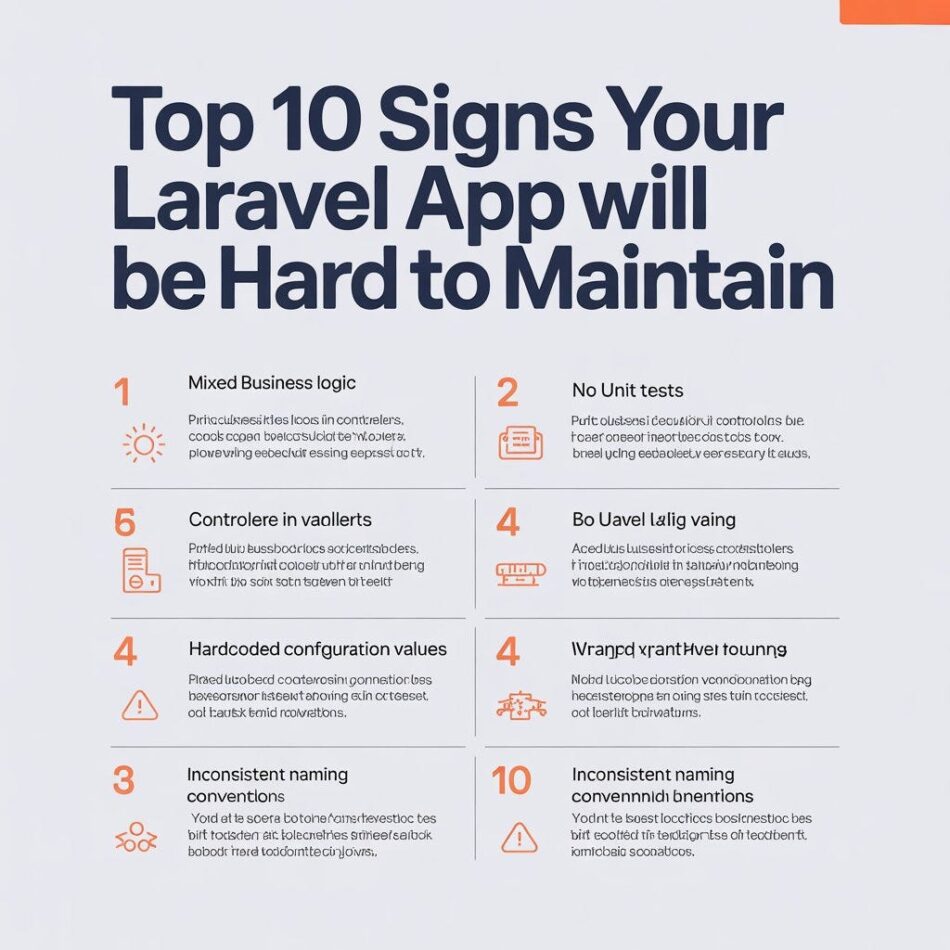
Top 10 Signs Your Laravel App Will Be Hard to Maintain
Laravel is one of the most popular PHP frameworks for web application development. Its elegant syntax, robust features, and active community make it a preferred choice for many developers. However, as with any technology, maintaining a Laravel application can become challenging if certain best practices are not followed. In this article, we will explore the top 10 signs that indicate your Laravel app may be hard to maintain in the long run. By recognizing these signs early, you can take proactive steps to ensure your application remains manageable and scalable.
1. Lack of Documentation
Documentation is crucial for any software project. If your Laravel application lacks proper documentation, it can lead to confusion for current and future developers. Without clear guidelines on how the application works, its architecture, and how to set it up, onboarding new team members can become a daunting task.
To mitigate this issue, ensure that you maintain comprehensive documentation that includes:
- Installation instructions
- Code structure overview
- API documentation
- Common troubleshooting steps
2. Complex Code Structure
A complex and convoluted code structure can make maintenance a nightmare. If your Laravel app has a tangled web of controllers, models, and views, it becomes increasingly difficult to implement new features or fix bugs. A well-organized codebase follows the MVC (Model-View-Controller) pattern, which helps maintain clarity and separation of concerns.
To avoid complexity, consider the following best practices:
- Keep your controllers thin by moving business logic to service classes.
- Utilize repositories for data access to separate data handling from business logic.
- Group related functionalities into modules or packages.
3. Overly Coupled Components
When components of your Laravel application are tightly coupled, it becomes difficult to modify or replace them without affecting other parts of the system. This can lead to increased development time and potential bugs. Loose coupling is essential for maintainability as it allows for easier updates and changes.
To reduce coupling, consider using interfaces and dependency injection. This way, components can interact without being directly dependent on each other, making your application more flexible and easier to maintain.
4. Lack of Testing
If your Laravel application does not have a robust testing suite, maintaining it can be risky. Without tests, you cannot be sure that new changes will not break existing functionality. Automated tests help catch bugs early and ensure that your application behaves as expected.
To implement testing in your Laravel app, focus on:
- Unit tests for individual components
- Feature tests to verify user interactions
- Integration tests to ensure different parts of the application work together
5. Ignoring Laravel Best Practices
Laravel comes with a set of best practices that, if ignored, can lead to maintenance issues. These include using Eloquent ORM effectively, leveraging Laravel’s built-in features, and following coding standards. Ignoring these practices can lead to inefficient code that is hard to maintain.
To stay on track, familiarize yourself with Laravel’s official documentation and community resources. Regularly review your code against these standards to ensure compliance and maintainability.
6. Outdated Dependencies
Using outdated libraries and dependencies can introduce security vulnerabilities and compatibility issues. If your Laravel application relies on old packages, it may become increasingly difficult to maintain as the ecosystem evolves.
To avoid this pitfall, regularly update your dependencies and review the Laravel release notes for breaking changes. Tools like Composer can help manage and update your packages efficiently.
7. Poor Error Handling
Effective error handling is crucial for maintaining a Laravel application. If your app does not gracefully handle exceptions or provide meaningful error messages, it can lead to frustration for users and developers alike. Poor error handling can make it difficult to diagnose issues and can lead to downtime.
To improve error handling, consider implementing:
- Custom exception handling
- Logging mechanisms to capture errors
- User-friendly error pages
8. Hard-Coded Values
Hard-coded values within your application can lead to maintenance challenges, especially when changes are needed. If you find yourself frequently updating values directly in your code, it may be time to refactor.
Instead, consider using configuration files, environment variables, or database entries to manage values dynamically. This approach allows for easier updates and better flexibility.
9. Lack of Version Control
Not using version control systems like Git can severely hinder the maintainability of your Laravel application. Without version control, tracking changes, collaborating with team members, and rolling back to previous versions becomes nearly impossible.
To ensure your application is maintainable, implement a version control system and establish a branching strategy that suits your development workflow. Regularly commit changes with meaningful messages to keep track of your progress.
10. Neglecting Performance Optimization
Performance issues can lead to a poor user experience and increased maintenance efforts. If your Laravel application is slow or inefficient, it may require constant fixes and optimizations. Common performance pitfalls include unoptimized database queries, excessive use of resources, and lack of caching.
To enhance performance, consider the following strategies:
- Utilize Laravel’s built-in caching mechanisms.
- Optimize database queries by using eager loading and indexing.
- Regularly profile your application to identify bottlenecks.
Conclusion
Maintaining a Laravel application can be a straightforward process if you are aware of the signs that indicate potential issues. By addressing the ten signs discussed in this article, you can ensure that your application remains manageable, scalable, and efficient. Regularly reviewing your codebase, adhering to best practices, and implementing robust testing and documentation will go a long way in maintaining the health of your Laravel application.
Frequently Asked Questions
Key indicators include lack of documentation, complex code structure, overly coupled components, lack of testing, ignoring best practices, outdated dependencies, poor error handling, hard-coded values, lack of version control, and neglecting performance optimization.
You can improve maintainability by organizing your codebase, implementing a robust testing suite, adhering to Laravel best practices, keeping dependencies up to date, and ensuring effective error handling.
Documentation is essential as it provides clear guidelines on the application’s architecture, setup, and functionality. It facilitates onboarding new developers and helps maintain consistency in code practices.
Call To Action
If you want to ensure your Laravel application remains maintainable and scalable, consider conducting a thorough review of your codebase and implementing best practices. Our team of experts is here to help you optimize your application for long-term success.
Note: By addressing the signs of potential maintenance issues early, you can save time and resources in the future, ensuring your Laravel application continues to thrive.