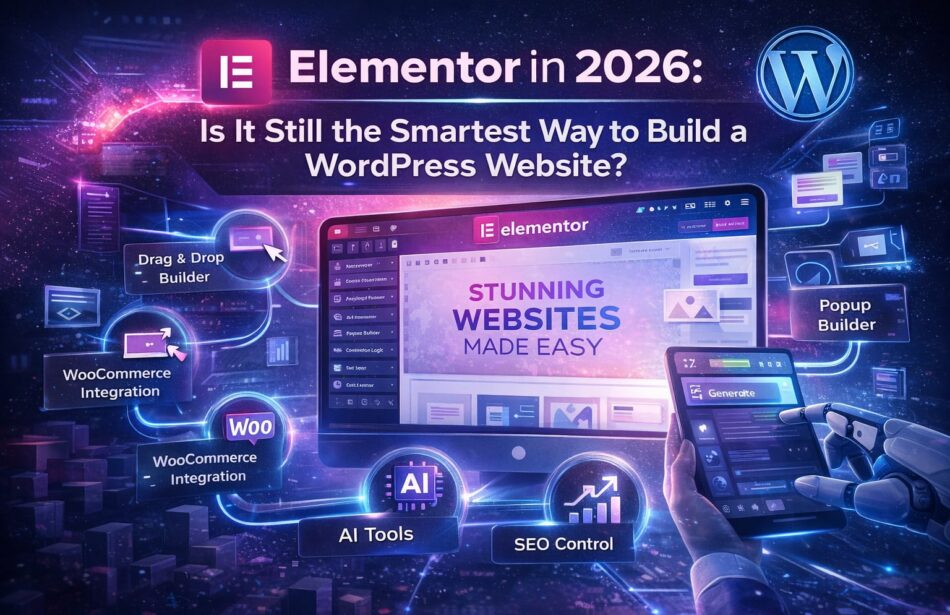
Should You Use Elementor for WordPress in 2026
- Elementor offers a user-friendly interface that simplifies website design for WordPress users.
- Utilizing Elementor can significantly reduce development time, enhancing overall productivity.
- The platform’s extensive library of templates and widgets allows for customization without coding.
- Elementor’s active community and support resources provide valuable assistance for troubleshooting and learning.
As we approach 2026, the landscape of website creation continues to evolve, making it essential for businesses to choose the right tools for their online presence. Elementor has emerged as a leading page builder for WordPress, offering a range of features that appeal to both novice and experienced developers.
Understanding the value proposition of Elementor is crucial for businesses looking to optimize their websites. This article will delve into the benefits, potential drawbacks, and strategic considerations of using Elementor for WordPress in 2026.
Continue Reading
Understanding Elementor
Elementor is a popular drag-and-drop page builder plugin for WordPress, allowing users to create custom layouts without needing to write code. Since its launch, it has gained immense popularity due to its intuitive interface and extensive customization options. In 2026, its relevance remains strong, particularly for small to medium-sized businesses aiming to enhance their online presence.
Key Features of Elementor
- Drag-and-drop functionality: This feature allows users to build pages by simply dragging elements into place, making it accessible for non-technical users.
- Responsive design capabilities: Elementor ensures that websites look great on all devices, from desktops to mobile phones.
- Template library: Users can choose from a vast library of pre-designed templates and blocks, speeding up the design process.
- Custom widgets: Elementor offers a variety of widgets, including buttons, sliders, and forms, to enhance website functionality.
- Theme builder: This feature allows users to customize headers, footers, and other theme elements, providing a cohesive look across the site.
Benefits of Using Elementor in 2026
1. Enhanced User Experience
Elementor’s interface is designed for ease of use, making it an excellent choice for those who may not have extensive technical skills. The drag-and-drop feature allows users to see changes in real-time, providing immediate feedback on design choices. This can lead to a more engaging user experience, which is crucial for retaining visitors.
2. Time Efficiency
With its extensive library of templates and widgets, Elementor can significantly reduce the time required to create a website. Businesses can quickly implement changes and updates, allowing them to respond to market demands more effectively. This time efficiency can translate into cost savings, making it an appealing option for budget-conscious companies.
3. SEO Optimization
Elementor offers features that can enhance a website’s SEO performance. Users can customize meta tags, headings, and alt text for images directly within the builder. Additionally, its clean code structure helps improve loading times, which is a critical factor in search engine rankings.
4. Strong Community Support
The Elementor community is robust, with numerous forums, tutorials, and resources available for users. This support network can be invaluable for troubleshooting issues and learning best practices. Businesses can leverage this community to enhance their skills and improve their website’s performance.
Potential Drawbacks of Elementor
1. Performance Concerns
While Elementor is feature-rich, it can sometimes lead to performance issues, particularly if a site is overloaded with widgets and elements. Heavy use of animations and effects may slow down page loading times, which can negatively impact user experience and SEO.
2. Learning Curve for Advanced Features
Although Elementor is user-friendly for basic tasks, mastering its more advanced features can take time. Businesses may need to invest in training or hire skilled developers to fully utilize the platform’s capabilities, which can increase costs.
3. Compatibility Issues
As with any third-party plugin, there may be compatibility issues with certain themes or other plugins. It is essential to test Elementor with existing site elements to ensure a seamless integration.
Strategic Considerations for Using Elementor
1. Assessing Business Needs
Before adopting Elementor, businesses should assess their specific needs and goals. For companies that require a highly customized website with unique functionalities, Elementor may be an excellent fit. However, those with simpler requirements might consider alternative solutions.
2. Budget Allocation
While Elementor offers a free version, many advanced features are only available in the Pro version. Businesses should evaluate their budget and determine if the investment in the Pro version aligns with their strategic objectives.
3. Long-Term Scalability
As businesses grow, their website needs may evolve. Elementor’s flexibility allows for scalability, but companies should consider whether it can accommodate future changes without requiring a complete overhaul.
Elementor vs. Other Page Builders
In 2026, Elementor faces competition from other page builders such as Beaver Builder, Divi, and WPBakery. Each platform has its strengths and weaknesses, and businesses should compare these options based on their specific requirements.
1. Beaver Builder
Beaver Builder is known for its simplicity and performance. It is a solid choice for users who prioritize speed and efficiency. However, it may lack some of the advanced features that Elementor offers.
2. Divi
Divi provides a comprehensive set of design options and is highly customizable. However, its learning curve can be steeper than Elementor’s, which may deter some users.
3. WPBakery
WPBakery is a powerful tool, particularly for developers. Nevertheless, it may not be as user-friendly as Elementor, making it less appealing for non-technical users.
Implementation Insights
1. Getting Started with Elementor
To begin using Elementor, follow these steps:
- Install the Elementor plugin from the WordPress repository.
- Choose a compatible theme that works well with Elementor.
- Start creating pages using the drag-and-drop interface.
- Utilize templates and widgets to enhance your design.
- Publish your pages and monitor performance.
2. Best Practices for Optimization
- Limit the number of widgets used on a page to improve loading times.
- Optimize images and other media to ensure fast performance.
- Regularly update Elementor and other plugins to maintain security and functionality.
- Utilize caching plugins to enhance site speed.
Frequently Asked Questions
Elementor offers a free version with basic features. However, many advanced functionalities are available only in the Pro version, which requires a subscription.
Elementor is compatible with most WordPress themes, but using a theme designed specifically for Elementor can enhance performance and ease of use.
Elementor provides a user-friendly interface, extensive customization options, strong community support, and features that enhance SEO performance, making it an excellent choice for many businesses.
Call To Action
Explore how Elementor can transform your WordPress website in 2026. Start your journey today!
Note: Provide a strategic conclusion reinforcing long-term business impact and keyword relevance.