Lens for Laravel Brings WCAG Auditing to Your Local Dev Workflow
- Integrate WCAG auditing directly into your Laravel development environment to catch accessibility issues early.
- Utilize a comprehensive dashboard interface for visualizing and managing accessibility violations with precise source mapping.
- Leverage CLI tools for automated accessibility checks and CI/CD pipeline integration to enforce quality gates.
- Enhance remediation efforts with AI-assisted fix suggestions that propose code patches within your Blade templates.
Accessibility can often be overlooked during the software development lifecycle, particularly in local environments where manual testing is limited. Lens for Laravel introduces a powerful solution by embedding WCAG compliance auditing into the developer workflow. This package enables developers to identify, analyze, and remediate accessibility violations in real time, directly from their local Laravel applications.
By combining automated scanning with a user-friendly dashboard and command-line interface, Lens streamlines the process of maintaining web accessibility standards. Its integration with popular IDEs and support for AI-driven fix recommendations further accelerates the remediation process, making it an indispensable tool for teams committed to inclusive web design and regulatory compliance.
Continue Reading
What is Lens for Laravel and Why Does It Matter?
Lens for Laravel is a developer package designed to integrate WCAG auditing directly into the local development workflow of Laravel applications. Created by Jakub Lipiński, the package leverages the Axe-core accessibility engine to scan running applications for violations of the Web Content Accessibility Guidelines (WCAG). This proactive approach helps developers catch accessibility issues early, reducing the risk of regressions and costly fixes later in the development cycle.
Accessibility is a critical aspect of modern web development, ensuring that digital content is usable by people with disabilities. However, it is often neglected due to the complexity of manual testing and the subtlety of some violations. Lens addresses this gap by automating the detection process and linking each issue back to the exact Blade template and line number where the problem originates, enabling swift and precise fixes.
How to Install and Set Up Lens for Laravel
Lens requires a modern Laravel environment running PHP 8.2+ and Laravel versions 10, 11, or 12. It also depends on Node.js to run Puppeteer, which drives a headless Chromium browser through Spatie Browsershot for rendering pages during audits.
- Install Puppeteer via npm:
npm install puppeteer --save-dev - Install Lens via Composer:
composer require webcrafts-studio/lens-for-laravel --dev
The package auto-discovers its service provider, so no manual registration is necessary. It also loads Alpine.js and Tailwind CSS from CDNs, simplifying setup. Once installed, Lens is ready to use without additional configuration, although a config file can be published for customization.
Exploring the Lens Dashboard for Accessibility Audits
The Lens dashboard is accessible at /lens-for-laravel/dashboard within your local Laravel app. It offers several auditing modes:
- Audit a single page by URL
- Audit a list of specific URLs
- Crawl the entire site using sitemap discovery or link-following, with a default limit of 50 pages
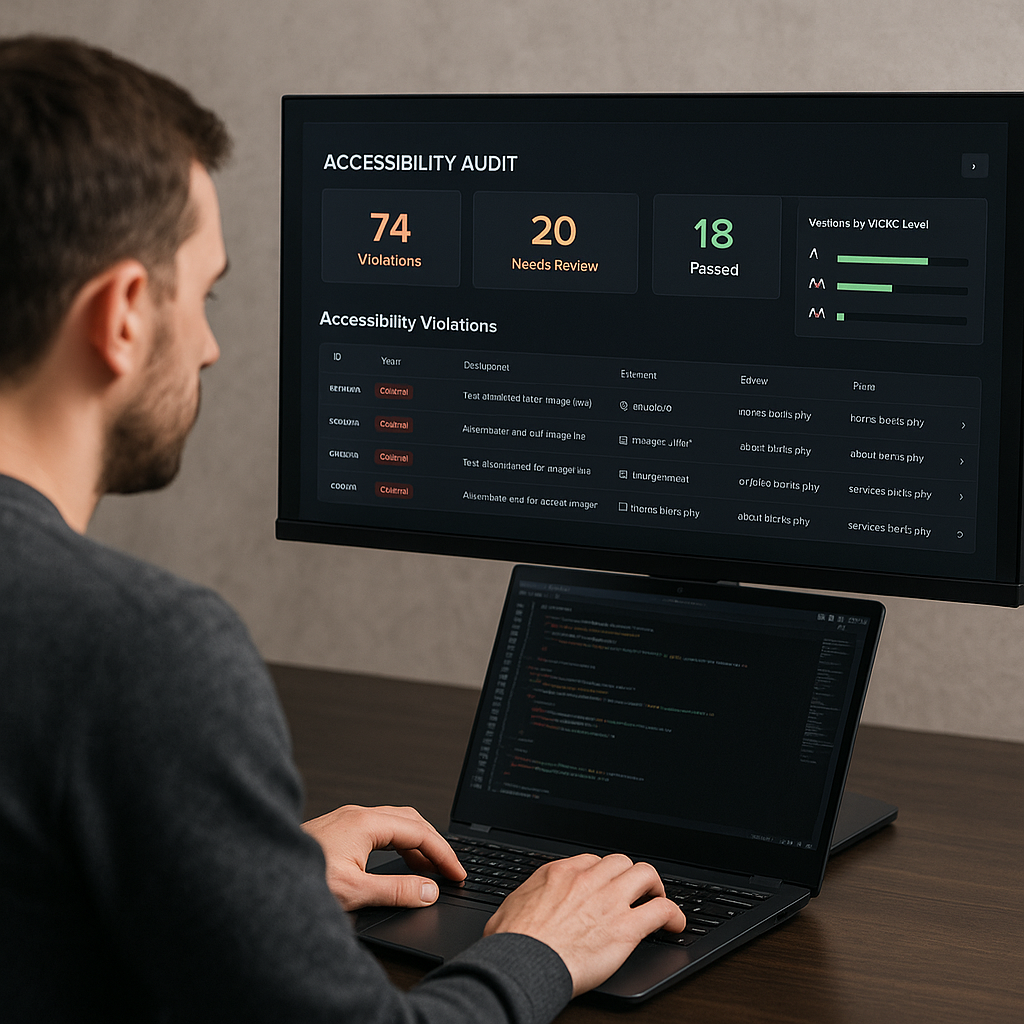
Audit results are organized by WCAG conformance levels — A, AA, and AAA — and include detailed information such as the CSS selector of the offending element, the Blade template file and line number, and links to relevant WCAG documentation.
Additional dashboard features include:
- Screenshot captures highlighting the problematic elements in context
- Exportable PDF audit reports for sharing with stakeholders
- Click-to-open functionality that launches the source file in your preferred IDE (VSCode, PhpStorm, Cursor, Sublime Text)
Security and environment safety are prioritized, with dashboard access restricted to local environments by default. It validates the domain against the APP_URL environment variable, preventing exposure on staging or production servers unless explicitly configured.
Command-Line Auditing for Automation and CI/CD
For teams adopting automated workflows, Lens provides the lens:audit Artisan command. This enables accessibility audits to run headlessly, ideal for continuous integration and deployment pipelines.
- Audit the root URL:
php artisan lens:audit - Audit specific pages:
php artisan lens:audit /about /contact - Crawl the entire site:
php artisan lens:audit --crawl - Filter results by WCAG level:
--a,--aa, or--all - Fail the command if violations exceed a threshold:
--threshold=10
The threshold option is particularly useful for gating deployments, ensuring that accessibility regressions do not slip into production unnoticed.
AI-Assisted Fix Suggestions to Accelerate Remediation
Lens can integrate with AI providers such as Gemini, OpenAI, and Anthropic to generate automated fix suggestions. When configured via environment variables, the package analyzes approximately 20 lines of the surrounding Blade template code and proposes a patch to correct the violation.
Developers can review and apply these fixes directly from the dashboard without switching contexts, streamlining the remediation workflow. File writes are securely limited to the resources/views directory to prevent unauthorized file modifications.
Customizing Lens Configuration
For advanced use cases, Lens allows publishing its configuration file with:
php artisan vendor:publish --tag="lens-for-laravel-config"
The config/lens-for-laravel.php file exposes several options:
route_prefix: Customize the dashboard URL prefix (default:lens-for-laravel)enabled_environments: Specify which environments load the dashboard (default:local)editor: Set your preferred IDE for click-to-open linkscrawl_max_pages: Adjust the maximum pages per crawl (default: 50)ai_provider: Define the AI backend for fix suggestions
Limitations of Automated Accessibility Scanning
While Axe-core, the underlying engine used by Lens, detects approximately 20–30% of WCAG violations, it cannot replace comprehensive manual testing. Issues requiring human judgment include:
- Meaningful and contextually appropriate image alt text
- Logical and hierarchical heading structures
- Keyboard navigation flows and focus management
- Screen reader announcements and ARIA roles
- Cognitive load and user experience considerations
Lens serves as a valuable first line of defense by catching common and low-hanging accessibility issues early in development. However, it should be part of a layered testing strategy that includes manual keyboard testing, screen reader validation, and usability testing with people with disabilities. This approach is essential for compliance with regulations such as the ADA, Section 508, and the EU Accessibility Act.
Practical Benefits and Business Impact
Implementing Lens for Laravel in your development workflow offers several strategic advantages:
- Improved accessibility compliance reduces legal risks and broadens audience reach.
- Early detection of accessibility issues lowers remediation costs and accelerates release cycles.
- Seamless integration with existing Laravel tools and IDEs enhances developer productivity.
- AI-assisted fixes reduce manual effort and speed up accessibility improvements.
- Comprehensive reporting aids communication with stakeholders and supports audit readiness.
By embedding accessibility auditing into daily development, teams foster a culture of inclusiveness and quality, ultimately driving better user experiences and business outcomes.
Getting Started and Resources
Lens for Laravel is open source and available on GitHub, with detailed documentation hosted at lens.webcrafts.pl. Developers can explore the source code, contribute, and access step-by-step guides to maximize the package’s capabilities.
To begin, ensure your environment meets the prerequisites, install the package, and start auditing your Laravel application locally. Experiment with the dashboard and CLI tools, and consider enabling AI-assisted fixes to streamline your accessibility workflow.
Summary
Lens for Laravel brings a robust and developer-friendly approach to WCAG auditing by integrating automated accessibility checks into the local Laravel development process. Its combination of a web dashboard, command-line interface, and AI-driven fix suggestions empowers teams to build more inclusive web applications efficiently. While automated scanning is not a complete solution, Lens is a valuable tool for catching common accessibility issues early, supporting compliance efforts, and enhancing overall software quality.
Frequently Asked Questions
Call To Action
Integrate Lens for Laravel into your development workflow today to proactively identify and fix accessibility issues, ensuring your applications meet WCAG standards and deliver inclusive user experiences.
Note: Provide a strategic conclusion reinforcing long-term business impact and keyword relevance.